
I wanted to talk to a robot the way you'd talk to a person — "drive two metres forward, then turn left and go to waypoint B" — and have it just do it. No cloud, no API key, no 7B model humming on the GPU. This is where that project stands.
The repository is private for now. This post is a look at what I'm working on, not a release.
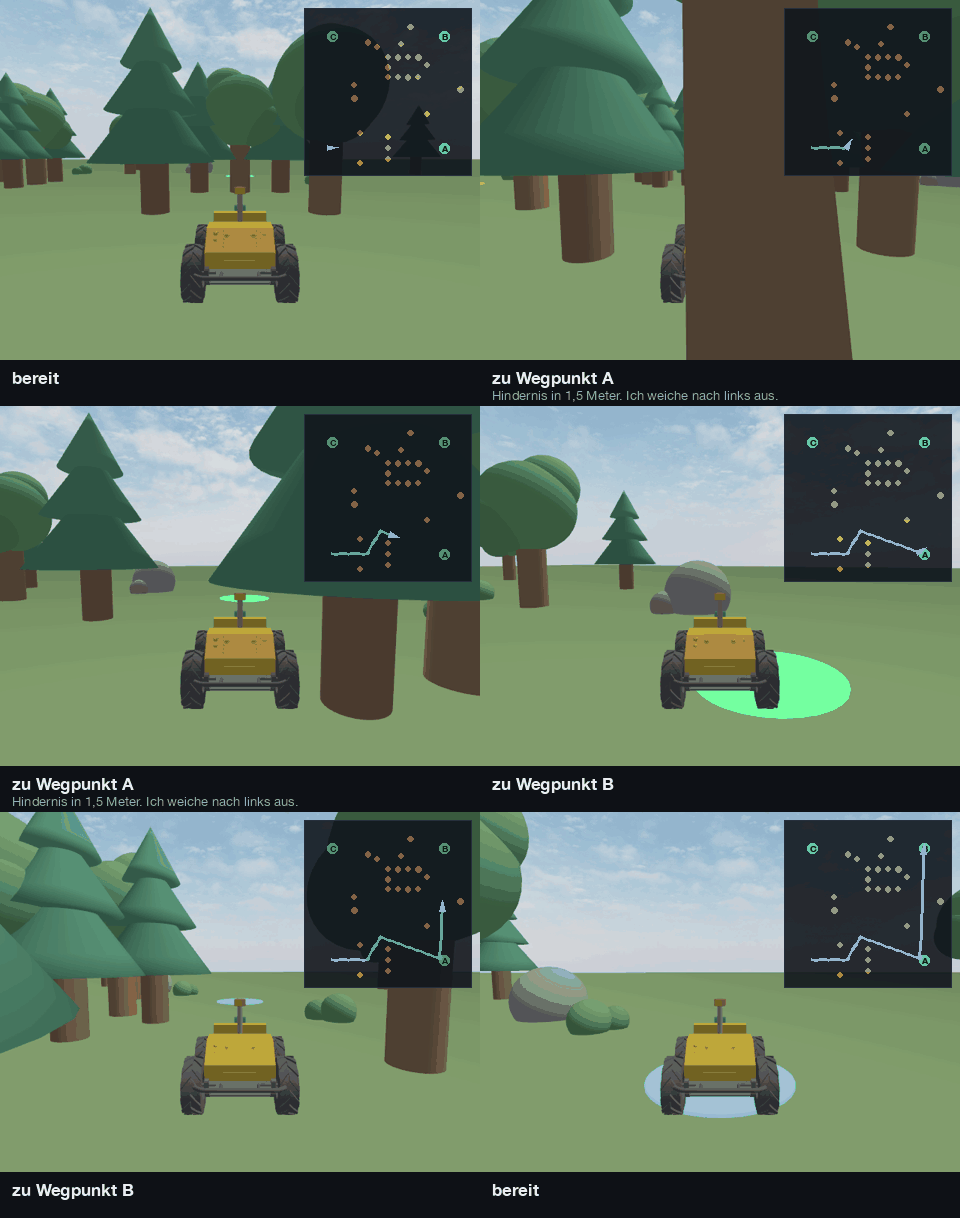
The Idea
Command & Conquer is a rover in a Gazebo simulation that you drive with your voice. Hold the space bar, speak a sentence, let go. The rover understands it, executes it, drives around anything in its way, and answers out loud.
The whole pipeline runs on my own machine:
- Speech recognition — whisper.cpp
- Understanding — a sentence-transformer, not an LLM
- Speech output —
sayon macOS,espeak-ngon Linux - Simulation — Gazebo, talked to directly over gz-transport. No ROS 2.
Commands work in German by default and in English with --lang en.
From Word to Wheel
Seven stations sit between a spoken sentence and a turning wheel:
In sequence
- Push-to-talkmicrophoneHold space, speak, release. Recording stops the moment the key comes up.
- Transcriptionwhisper.cppSpeech becomes text, locally, with the small Whisper model.
- SplitterchainsOne sentence becomes several commands, split on "then", "after that", "and then".
- Intent matchingsentence-transformerEach sub-command is embedded and compared against the catalog of canonical commands.
- SlotsregexNumbers, angles and waypoint names are pulled out with plain regex.
- Command queueUnderstood commands wait their turn and run one after another.
- Controller20 Hz · gz-transportRegulates from the measured pose and drives the rover in Gazebo.
Running alongside
- Lidar reflexSteers around anything the command didn't mention.
- Talk-backAnnounces commands, obstacles and dead ends — and stays quiet while you speak.
- DashboardWebSocketTranscript, intent and confidence, queue, map, lidar and camera.
A few things happen along the way that turned out to matter more than I expected.
Chains get split apart
"Drive two metres forward, then turn left and drive to waypoint B" is one sentence but three commands. A splitter breaks it on "then", "after that", "and then", and each piece is understood and queued on its own.
Driving by distance, not by time
"Two metres" means two measured metres. Every step is regulated twenty times per second from the measured pose — if I drove by time instead, any hiccup in the simulator would silently change the distance.
Obstacles the command didn't mention
A lidar reflex steers around anything that wasn't part of the command. Once it's past, the interrupted command finds its way back onto its original target line instead of just carrying on from wherever it ended up.
The rover talks back
It acknowledges commands, reports obstacles and says when it's stuck. It also keeps quiet while you're talking — otherwise the microphone would pick up its own announcements and it would start taking orders from itself.
Why No LLM
The obvious move would be to throw every utterance at a language model. Instead, a sentence-transformer compares what you said against a catalog of canonical commands.
| Sentence-transformer | Local 7B LLM | |
|---|---|---|
| Memory | ~470 MB | ~5 GB |
| Latency | under 50 ms | much slower |
| Deterministic | yes | no |
| Fixing a misfire | add one example line | tweak the prompt and hope |
Every misunderstanding shows up as a cosine distance I can look at, and the fix is usually one more example sentence in intents.yaml. Below a confidence threshold the rover asks for clarification instead of guessing — which, for something that moves, is the behaviour I want.
Numbers, angles and waypoint names don't go through the embedding at all; plain regex pulls them out as slots.
What it understands today:
| Command | Example |
|---|---|
| Drive | "drive two metres forward", "back up one metre" |
| Turn | "turn ninety degrees to the left" |
| Waypoint | "drive to waypoint B", "navigate to Charlie" |
| Follow | "follow me" |
| Speed | "drive slower", "half speed" |
| Stop | "stop", "halt" |
| Wait | "wait five seconds" |
| Status | "where are you" |
The World
I didn't want a pretty but empty map, so the course is built out of tasks:
- a gate with 1.7 m of clear width — drive through it, not around it
- a barrier of three logs blocking the path
- a slalom
- a dead end you can only leave by reversing
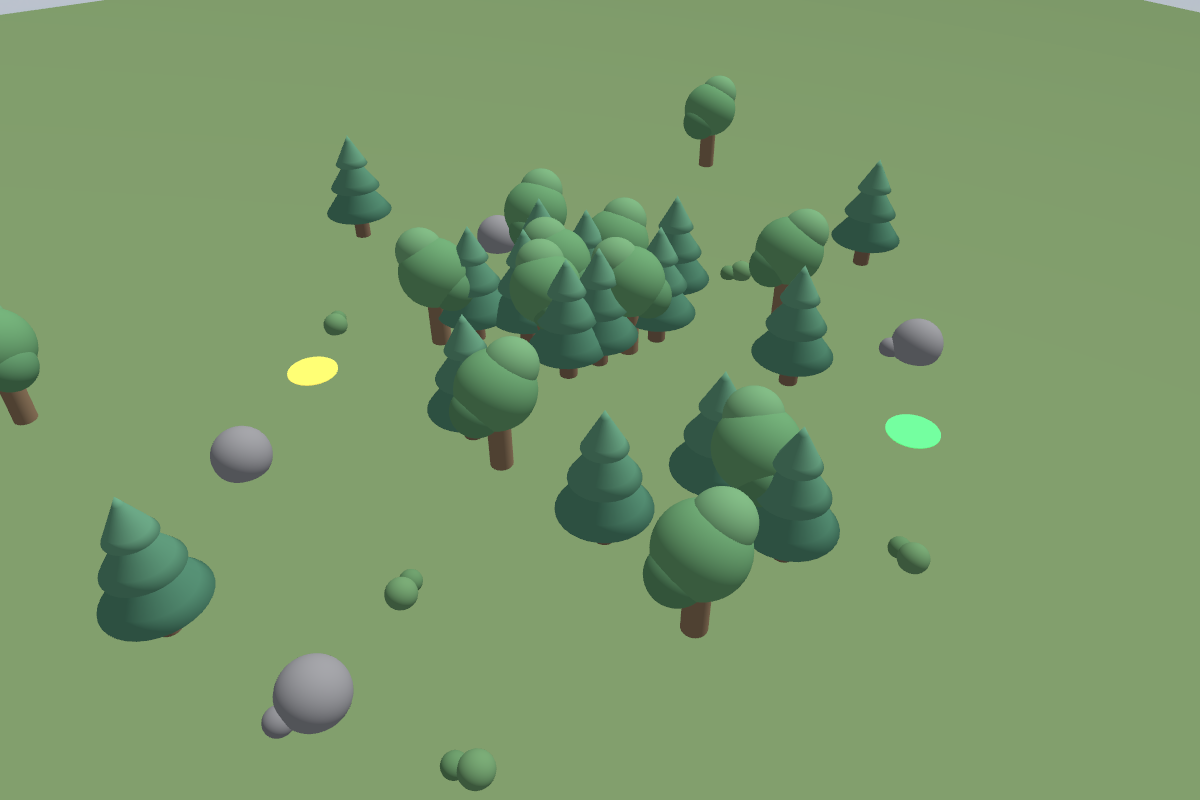
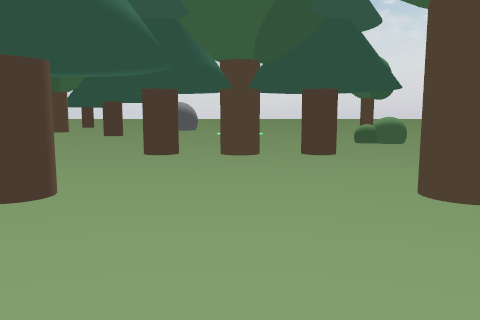
Trees, rocks and bushes are my own models, stylised from cylinders, spheres and cones, so the first start needs no internet. The rover itself uses the Clearpath Husky A200 meshes from Gazebo Fuel (CC0).
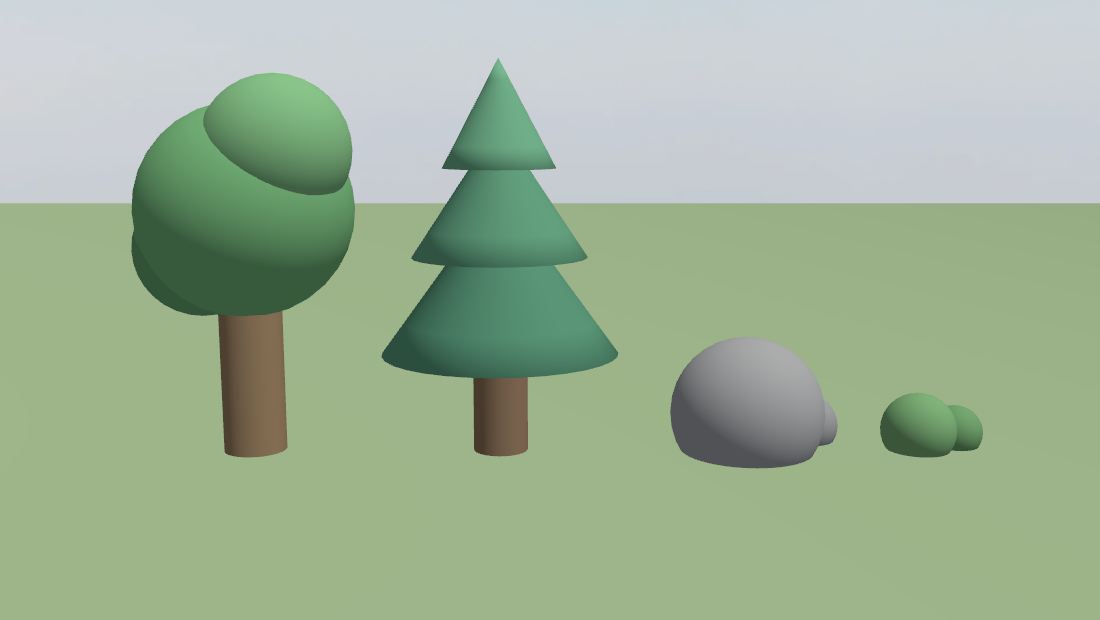
Gazebo's GPU lidar works on the render scene, so it sees visuals even when they have no collision shape. Anything taller than 0.6 m needs a real collision shape, and anything without one has to stay lower — otherwise the rover swerves around an obstacle it could have driven straight through.
A dashboard ties it together: transcript, recognised intent with confidence, the command queue, a map with the driven track, a lidar traffic light and the onboard camera.
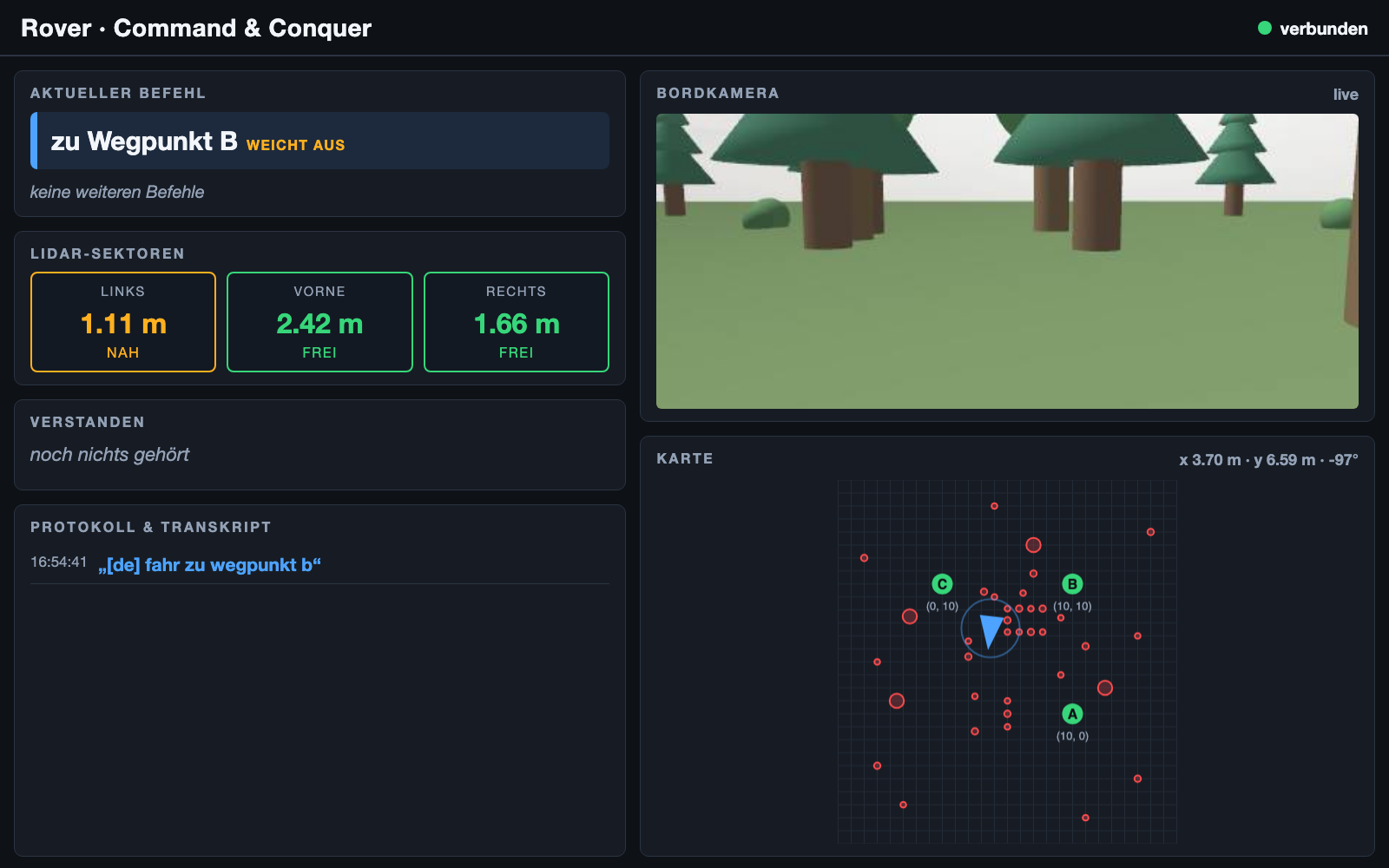
Watching the onboard camera next to the lidar sectors makes it much easier to understand why the rover just swerved.
Testing a Robot Without a Robot
There are 524 tests, and none of them need the simulator, a microphone or speakers.
The most useful piece is a headless replica of the world: the same trees, a 360-ray lidar cast against them, and a kinematics model that gets stuck on a trunk instead of driving through it. That lets me run hundreds of waypoint runs from different starting poses in minutes. It has already caught two bugs I would never have found driving around by hand.
Honest Limits
- Localization is a freebie. The pose comes from the simulator, not from GPS or SLAM. I've started on self-localization from wheel odometry and the IMU — and the first measurement says heading drift is the real problem, not distance.
- Obstacle avoidance is reactive. No map, no plan, no memory. In a dead end it gives up and says so.
- "Follow me" doesn't follow a person. It follows the nearest object ahead. Lidar gives distances, not meanings.
What's Next
The next step is leaving the simulator: testing the whole chain on a real robot vacuum. Same voice commands, same pipeline — but on hardware, the freebies go away. The pose no longer comes from Gazebo, the floor isn't perfectly flat, and the sensors are cheaper and noisier than a simulated lidar. That's where the odometry and IMU work stops being an experiment and starts being necessary.
More once the repo goes public.